The problem
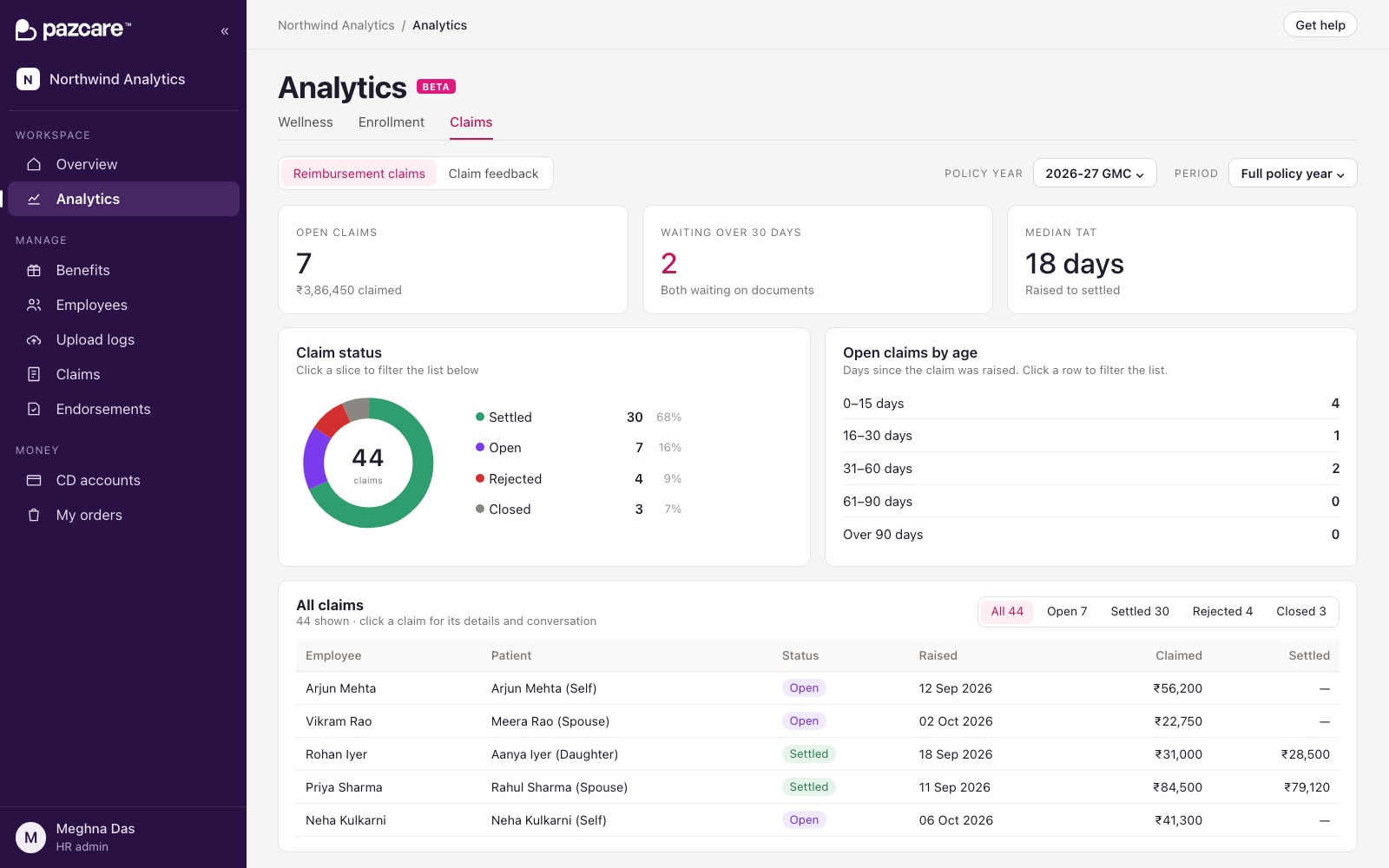
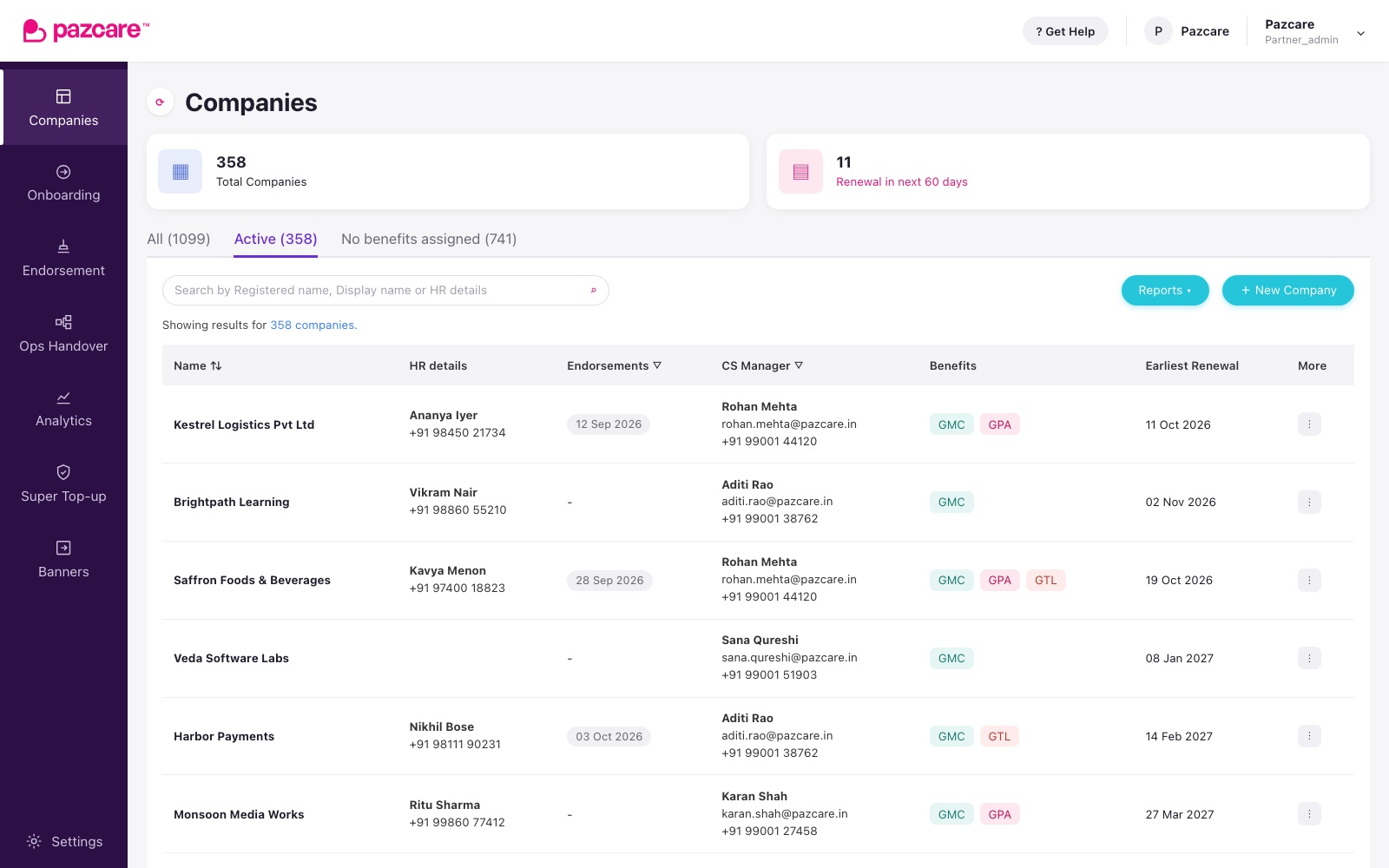
Each feature on the partner dashboard had been styled when it was built, by whoever built it. Two UX audits showed where that left us: colours typed in as hex values, pixel sizes set one page at a time, and buttons that looked different on every screen.
Then AI coding agents started writing screens too. Left to themselves, they produce screens that look nothing like each other, and early on their work kept clashing with the rest of the app.
How it got here
There was no big rewrite. The system went in piece by piece, while the product kept shipping.
- AprStorybookA place to see and document components
- JulColour, type and spacing tokensNamed values, and a check that stops new raw colours
- Jul – SepScreen by screenOld values swapped for tokens, page by page
- OctDocumented and checkedStories and guidelines published, with an accessibility check on every story
How it works
- Tokens instead of raw values. Colours, spacing and type have names, so a screen asks for "the secondary text colour", not a hex code.
- Shared components, documented in Storybook. One button component, and shared headers, tables and filters, each with its states and guidelines.
- A count that can only go down. A check counts the raw colours and pixel values left in the code. A change that adds one fails, and the count is lowered each time a screen is cleaned up.
- Rules where the agents read them. The instructions AI coding agents follow in this codebase say to build from tokens and documented components, and how to add a new one properly.
Decisions
Stopping all feature work to restyle every screen was never going to happen. Blocking new raw values and cleaning up a screen whenever we touched it meant the system spread without a freeze.
Most raw values have an exact token. Scripts swap those automatically, so the hand work goes on the cases that need a decision.
An agent only follows what it reads. Putting the rules in the codebase, next to the code, means its screens come out matching the product instead of needing a restyle afterwards.
Who did what
Me
The audits, the tokens, the components and their documentation, the checks and the clean-up scripts, and most of the screen-by-screen work.
The team
Engineers build new screens from the system and review changes to it.
Result
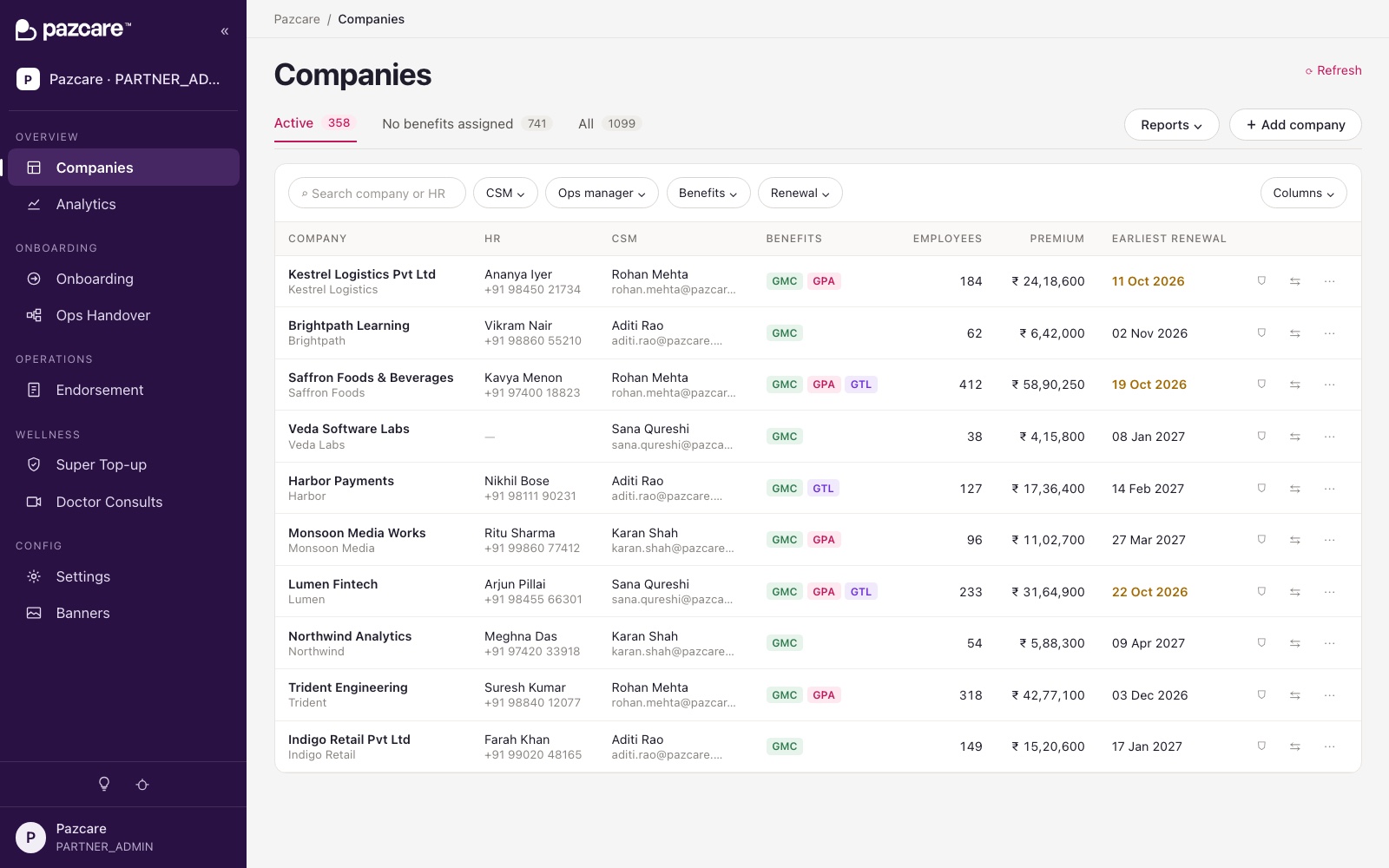
New screens, whether a person or an agent writes them, start from the same tokens and components. The raw values left in the code keep going down.
| Left in the code | At the start | Now |
|---|---|---|
| Raw colour values | 6,519 | about 2,140 |
| Raw pixel values | 16,777 | about 2,150 |
Counted by the checks described above. "Now" is November 2026.